When they answer.
Mon tells you when they pay or decline.
- PendingWaiting for them
- AcceptedThe money is in your balance
- RejectedNo money moves
You can have up to 5 requests waiting at a time. Check a request
Cards and payments will be available at launch. Coming soon.

Ask another Mon user to pay you. Use their Mon-ID or phone number. You’re paid once they accept.
Reserve your Mon-ID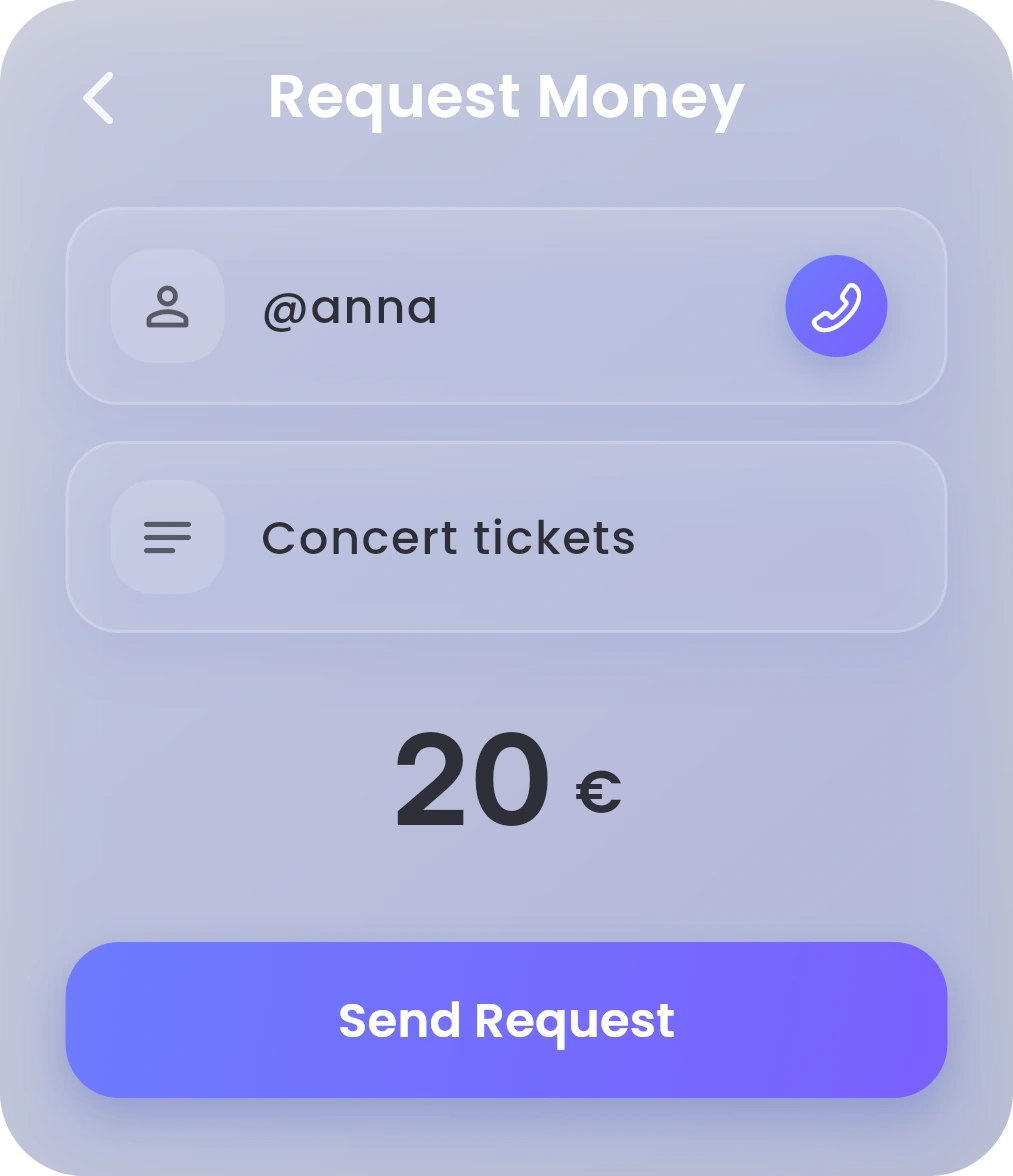
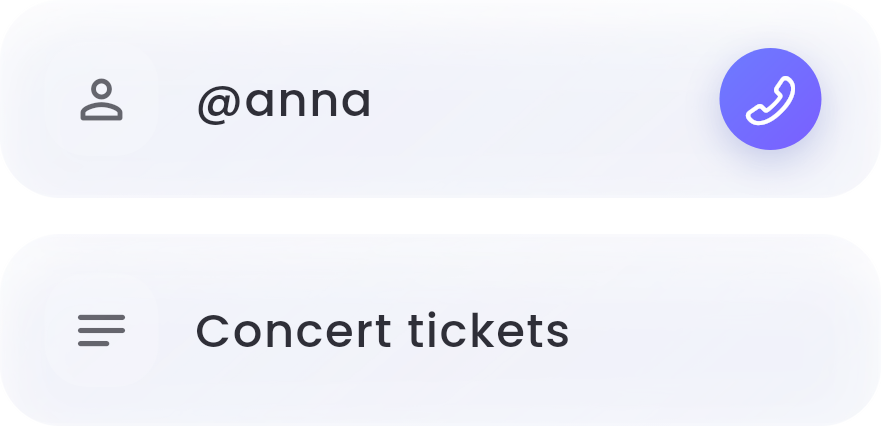
Enter their Mon-ID or phone number, or pick a contact. Add a reference if you like.

Type the amount. It’s in the currency of the balance selected on Dashboard.

Tap Request. They see it in Mon and choose to pay or decline.
To start, tap Request on Dashboard, then Request by User. Step by step
Mon tells you when they pay or decline.
You can have up to 5 requests waiting at a time. Check a request
Hold Mon-AI and say it. Or double-tap to type.
“Ask Anna for €20.”
Mon opens it with everything filled in. You check it and confirm.
Mon-AI never moves money on its own. It’s included with Infinity, and for your first 30 days on Standard. About Mon-AI