


Add a currency.
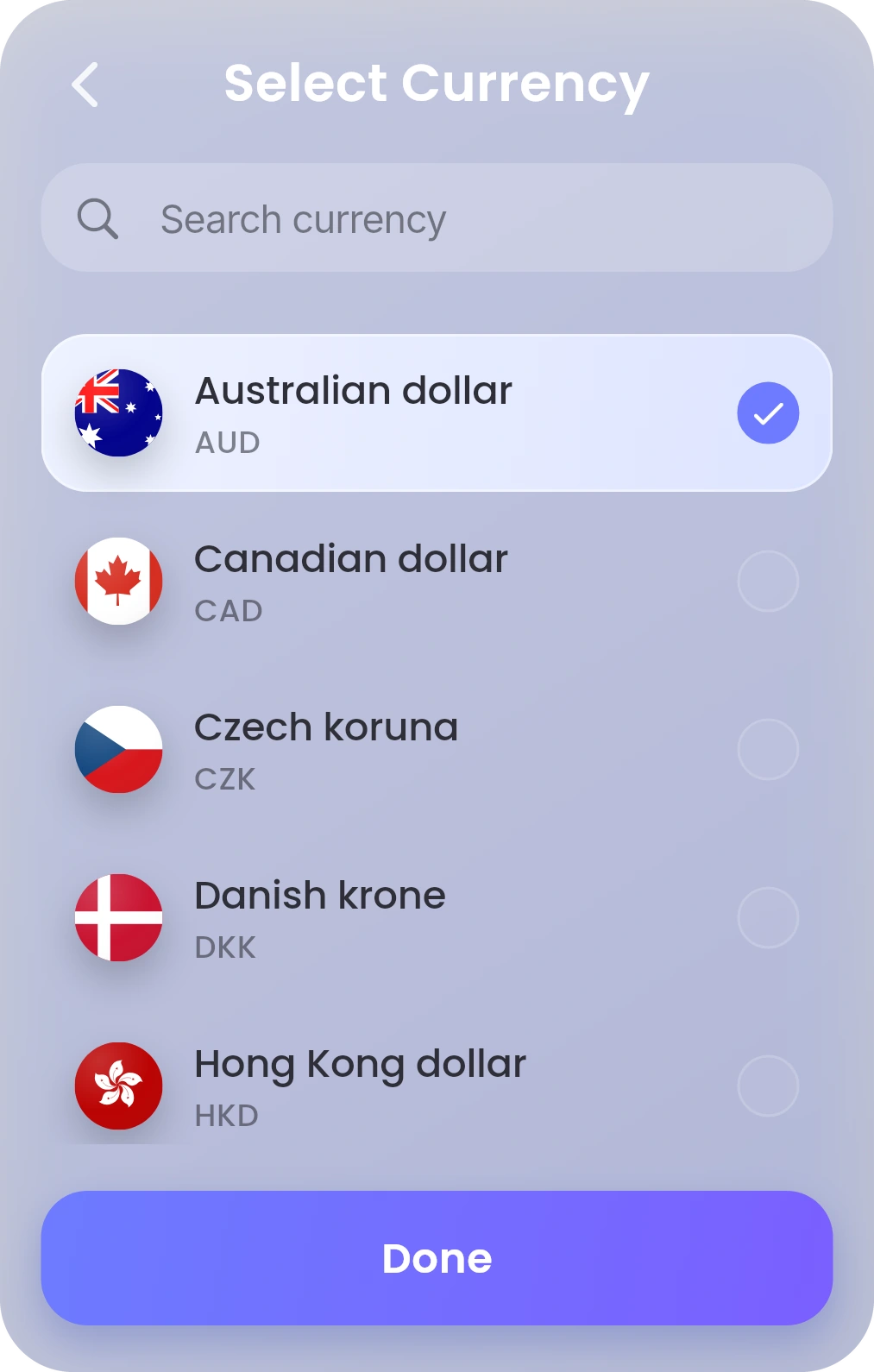
Tap + Add new, search for it and select it. What you convert is held in that currency.
If a currency isn’t listed, it isn’t available for your account yet. How it works
Cards and payments will be available at launch. Coming soon.

Convert between the currencies you hold in Mon.
Reserve your Mon-ID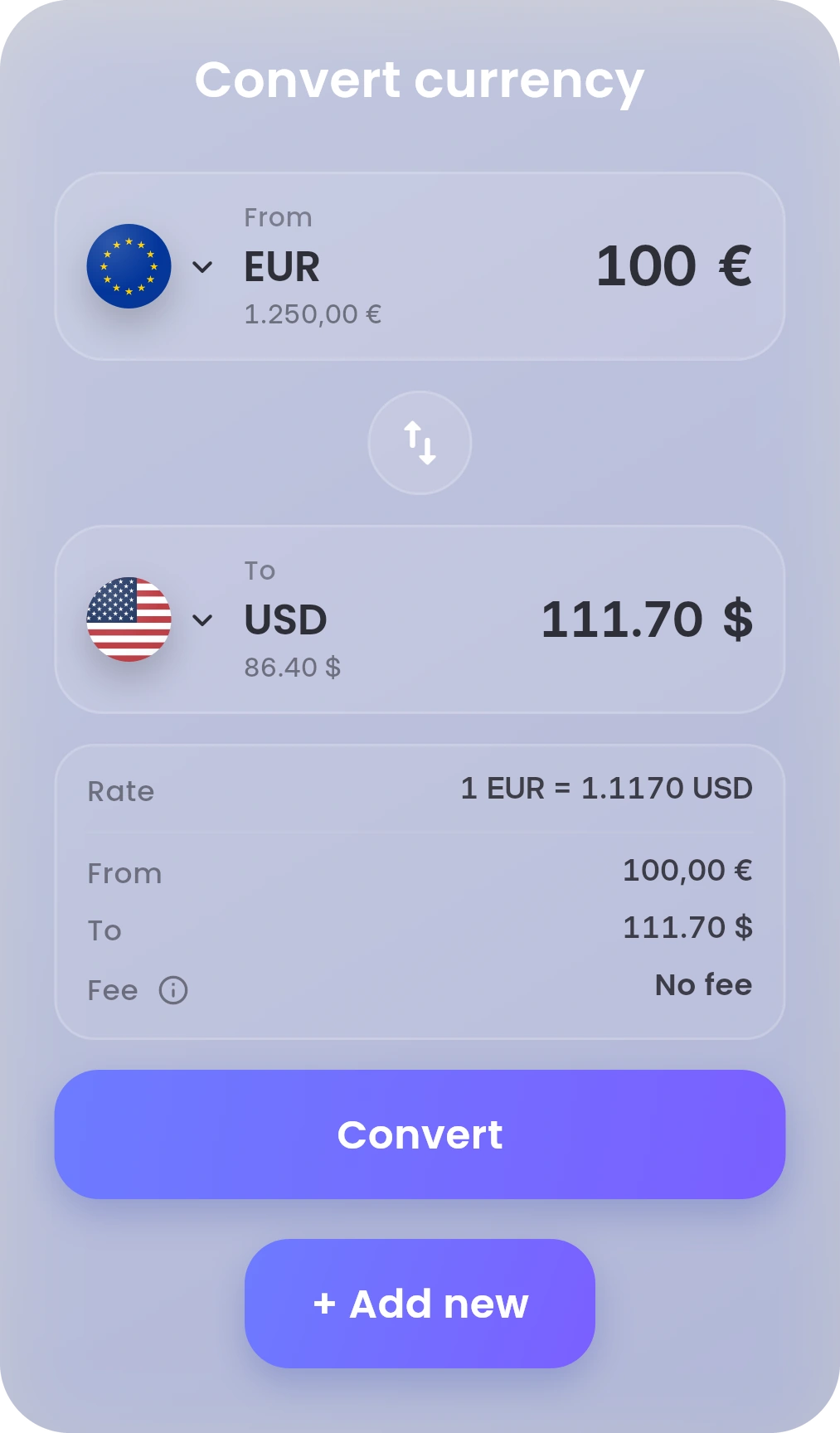
Hold them side by side. Convert between available currencies.
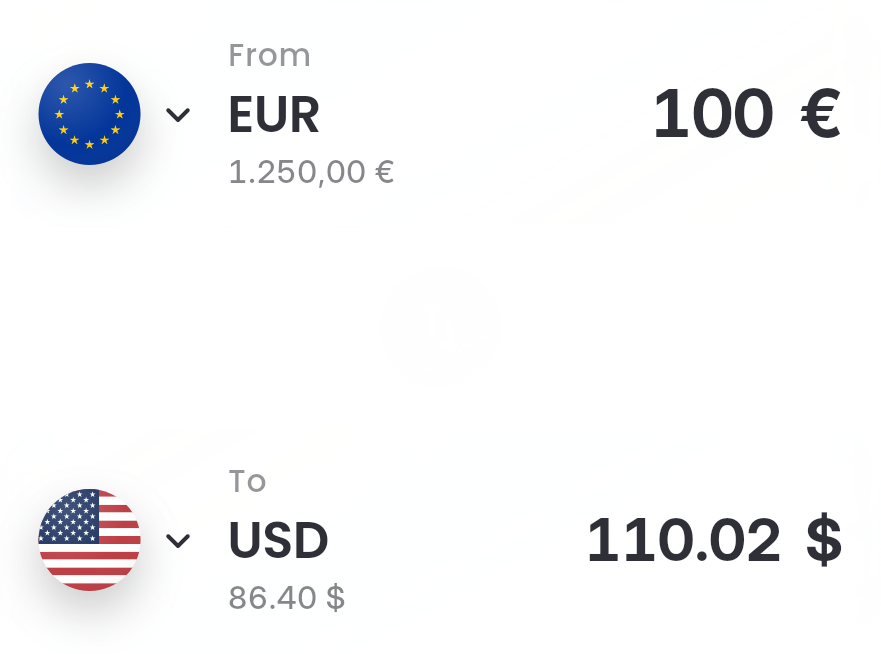
Pick the currency you have and the currency you want.
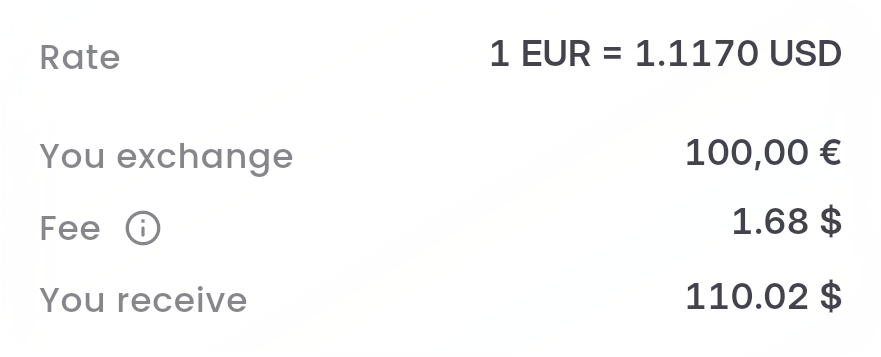
The rate, the fee and the amount you receive. All before you confirm.

Tap Convert. Mon moves the money into the currency you chose.
To start, tap on Dashboard. Type how much to convert, or how much to receive. Step by step
Mon also shows how its rate compares with the European Central Bank rate. Tap next to Fee. The fee depends on your plan. Fees & Limits
Tap + Add new, search for it and select it. What you convert is held in that currency.
If a currency isn’t listed, it isn’t available for your account yet. How it works
Hold Mon-AI and say it. Or double-tap to type.
“Exchange €100 to dollars.”
Mon opens it with everything filled in. You check it and confirm.
Mon-AI never moves money on its own. It’s included with Infinity, and for your first 30 days on Standard. About Mon-AI