Keep it in your wallet.
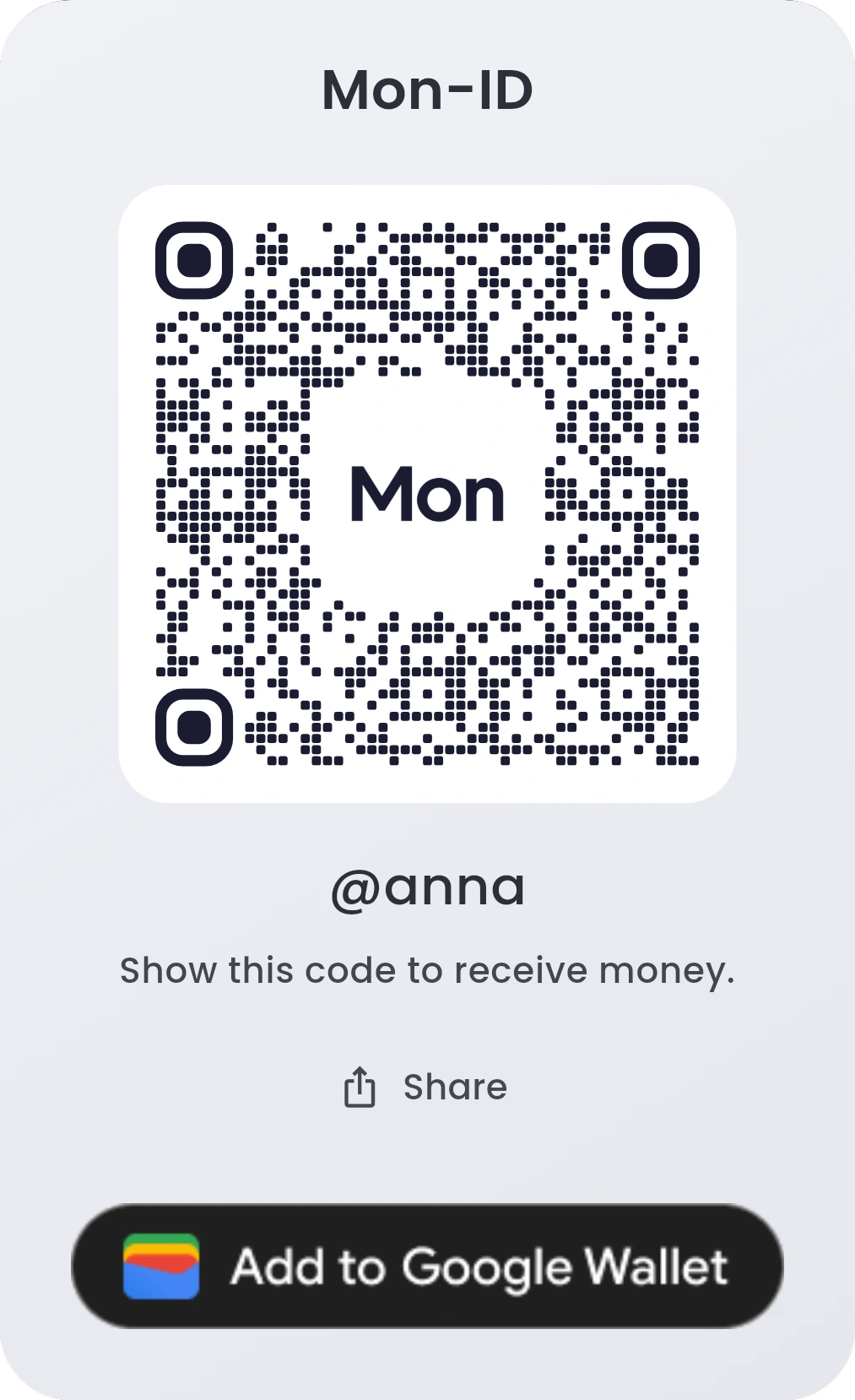
Add your code to Apple Wallet on iPhone, or to Google Wallet on Android, and keep it handy.
If you see the button under your code, tap it. How it works
Cards and payments will be available at launch. Coming soon.

Show your Mon-ID QR and let people pay you. They choose the amount, and you can use the same code again and again.
Reserve your Mon-ID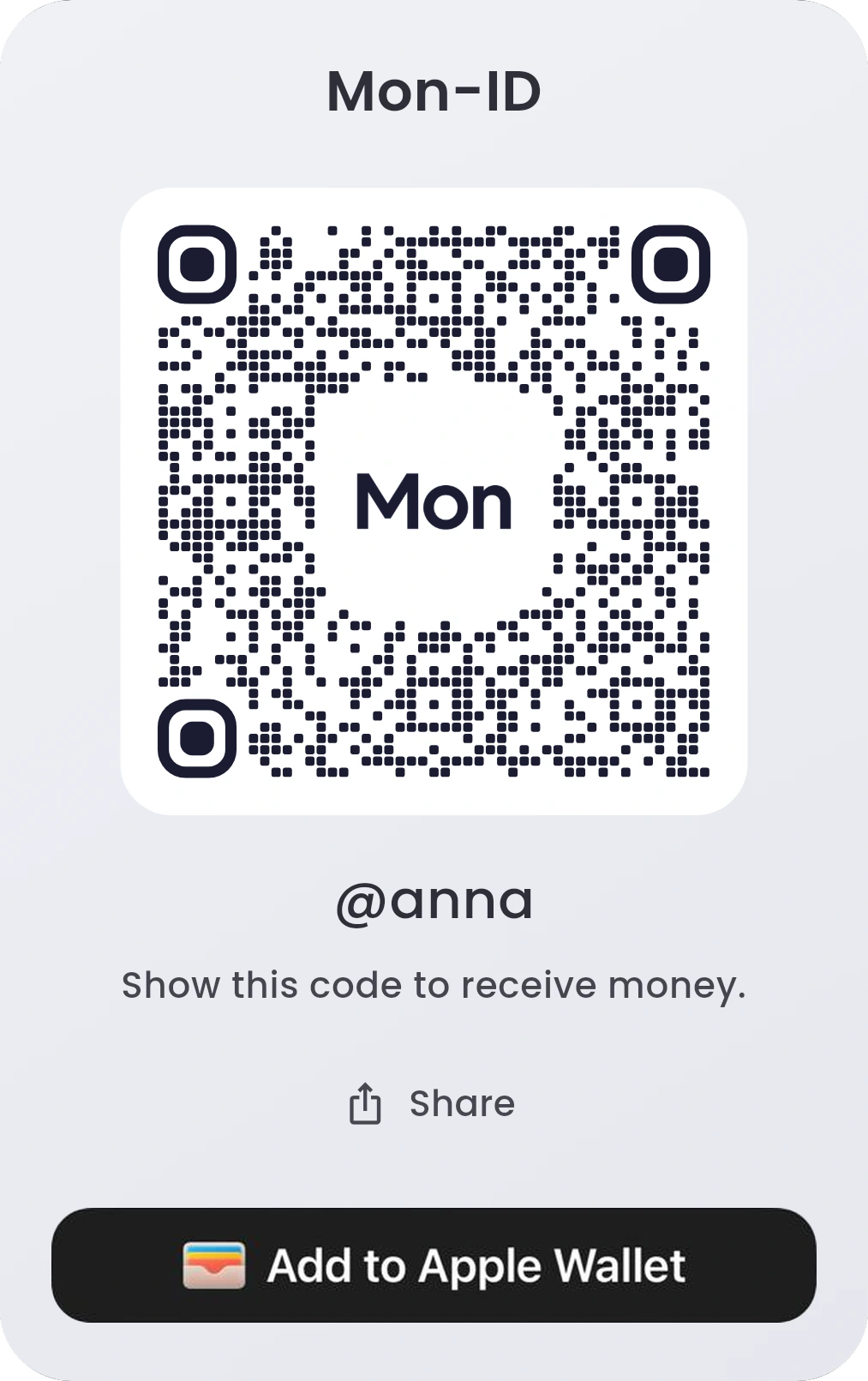
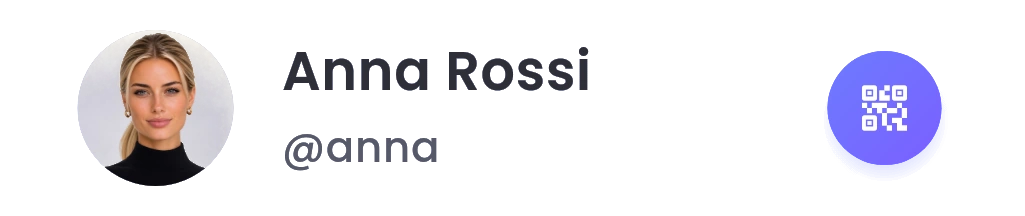
On Dashboard, tap the gear icon, then the QR icon next to your name.
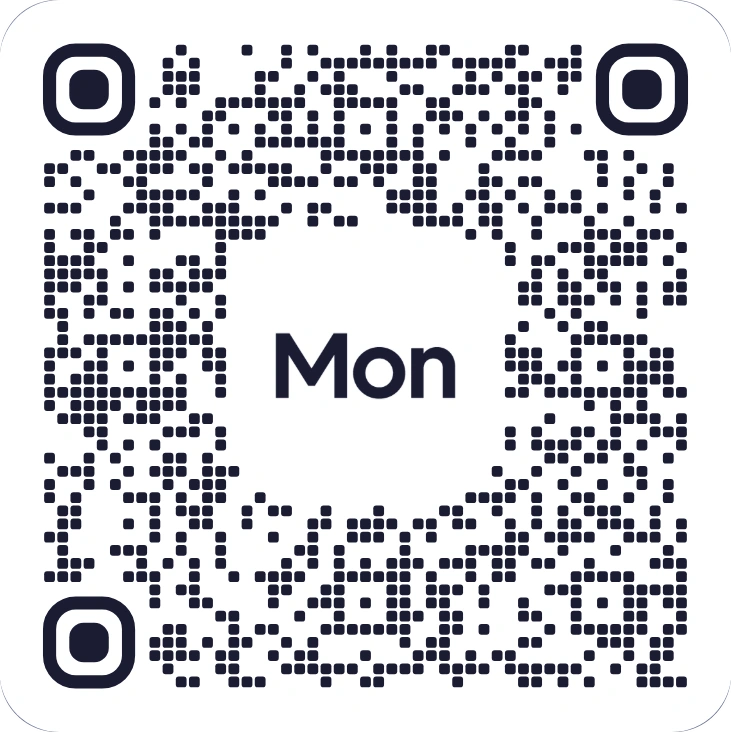
Show your code. Or tap Share to send it.
They scan it in Mon. Your Mon-ID is filled in. They enter the amount and tap Send.
Your code shows your Mon-ID, not your bank details. Share your Mon-ID QR
It works for any amount, again and again. To ask for a set amount, use a payment QR. QR payments
Add your code to Apple Wallet on iPhone, or to Google Wallet on Android, and keep it handy.
If you see the button under your code, tap it. How it works
Hold Mon-AI and say it. Or double-tap to type.
“Show my Mon-ID QR.”
Mon-AI opens your code, ready to show.
Mon-AI never moves money on its own. It’s included with Infinity, and for your first 30 days on Standard. About Mon-AI