International transfer
US dollars
Send from your Mon balance via SWIFT.
- ArrivesUsually 1–5 business days
- Sent inUS dollars (USD)
- FeeShown before you confirm
Cards and payments will be available at launch. Coming soon.

 Money transfer
Send US dollars to a bank account in the United States, where that route is available. You see the fee and the total before you confirm.
Payment routes depend on your account, destination and recipient bank. Check the available options in Mon before you confirm.
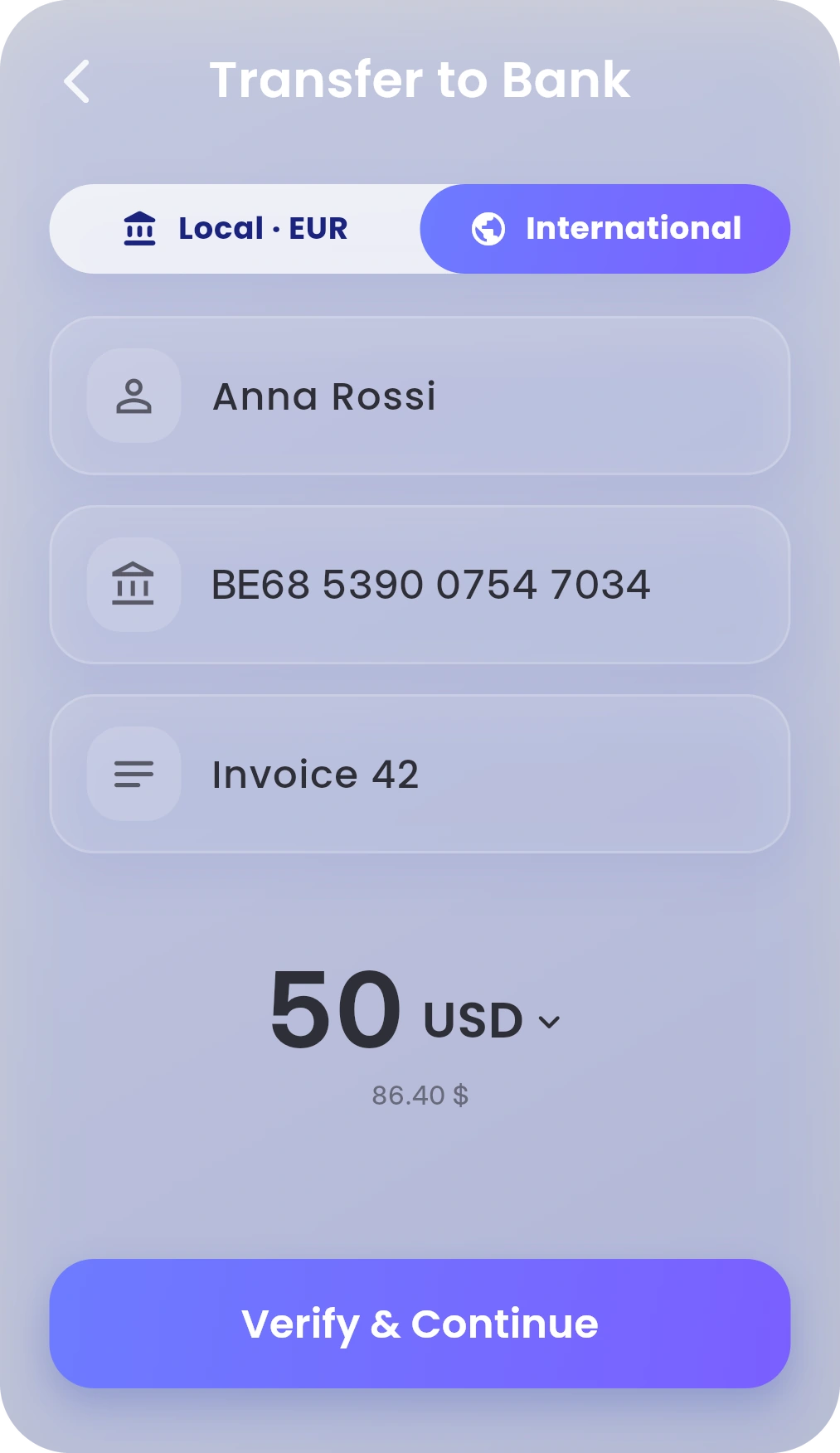
The United States is outside SEPA. International bank transfer availability depends on your account and the recipient bank.
International transfer
Send from your Mon balance via SWIFT.
Mon to Mon
Send with their Mon-ID or phone number.

ECB reference rate, . In the app, you see Mon’s rate and the fee before you convert.
EUR to USD converterTap Transfer on Dashboard, then To Bank.
Tap International. Add their name, their account details and the amount.
Check the fee and the total. Then confirm.
Continue only if you’re sure. A confirmed transfer can’t be cancelled in the app. Step by step
Where the route is available, international transfers usually arrive in 1–5 business days. Mon shows the available options and timing before you confirm. Transfers in any of the 16 supported currencies to another active Mon account usually arrive in seconds.
Where available, the transfer is sent in US dollars from your US dollar balance in Mon. The recipient bank may convert it if their account is in another currency.
For another Mon user, use their Mon-ID or phone number and choose any of the 16 supported currencies. For a bank transfer, you need their full name, account details and their bank’s SWIFT/BIC code. Mon may also ask for their address.
Pricing published at launch. Mon shows any fee and the total before you confirm. Other banks may take a fee on international transfers. Fees & Limits
A confirmed transfer can’t be cancelled in the app, so check the details first. If something went wrong, contact Mon support.
 RomaniaEuros or Romanian lei
 MoldovaEuros, by SEPA
 PolandEuros or Polish zlotys
 United KingdomEuros or British pounds
 ItalyEuros, by SEPA
 SpainEuros, by SEPA
 GermanyEuros, by SEPA
 SwitzerlandEuros or Swiss francs
 CanadaCanadian dollars
 FranceEuros, by SEPA
 PortugalEuros, by SEPA
 BulgariaEuros, by SEPA
 HungaryEuros or Hungarian forints
 Czech RepublicEuros or Czech korunas
 AlbaniaEuros, by SEPA
 SerbiaEuros, by SEPA
 North MacedoniaEuros, by SEPA
 GreeceEuros, by SEPA
 NetherlandsEuros, by SEPA
 BelgiumEuros, by SEPA
 AustriaEuros, by SEPA
 IrelandEuros, by SEPA
 CroatiaEuros, by SEPA
 SwedenEuros or Swedish kronor
 DenmarkEuros or Danish kroner
 NorwayEuros or Norwegian kroner
 AustraliaAustralian dollars
 LithuaniaEuros, by SEPA
 LatviaEuros, by SEPA
 SlovakiaEuros, by SEPA
 EstoniaEuros, by SEPA
 FinlandEuros, by SEPA
 SloveniaEuros, by SEPA
 CyprusEuros, by SEPA
 MaltaEuros, by SEPA
 LuxembourgEuros, by SEPA
 JapanJapanese yen
 SingaporeSingapore dollars
 Hong KongHong Kong dollars
 IcelandEuros, by SEPA
 MontenegroEuros, by SEPA
 LiechtensteinEuros or Swiss francs
 MonacoEuros, by SEPA
 AndorraEuros, by SEPA
 San MarinoEuros, by SEPA
 Vatican CityEuros, by SEPA