SEPA transfer
Euros
Send euros across SEPA with an IBAN. Instant transfers arrive in seconds where available.
- ArrivesUsually the same business day
- Sent inEuros (EUR)
- FeeShown before you confirm
Cards and payments will be available at launch. Coming soon.

 Money transfer
For active, eligible Mon account holders sending from Sweden. Choose a bank transfer or send to another Mon user.
Bank routes depend on your account, destination and recipient bank. Check the available options, fee and total in Mon before you confirm.
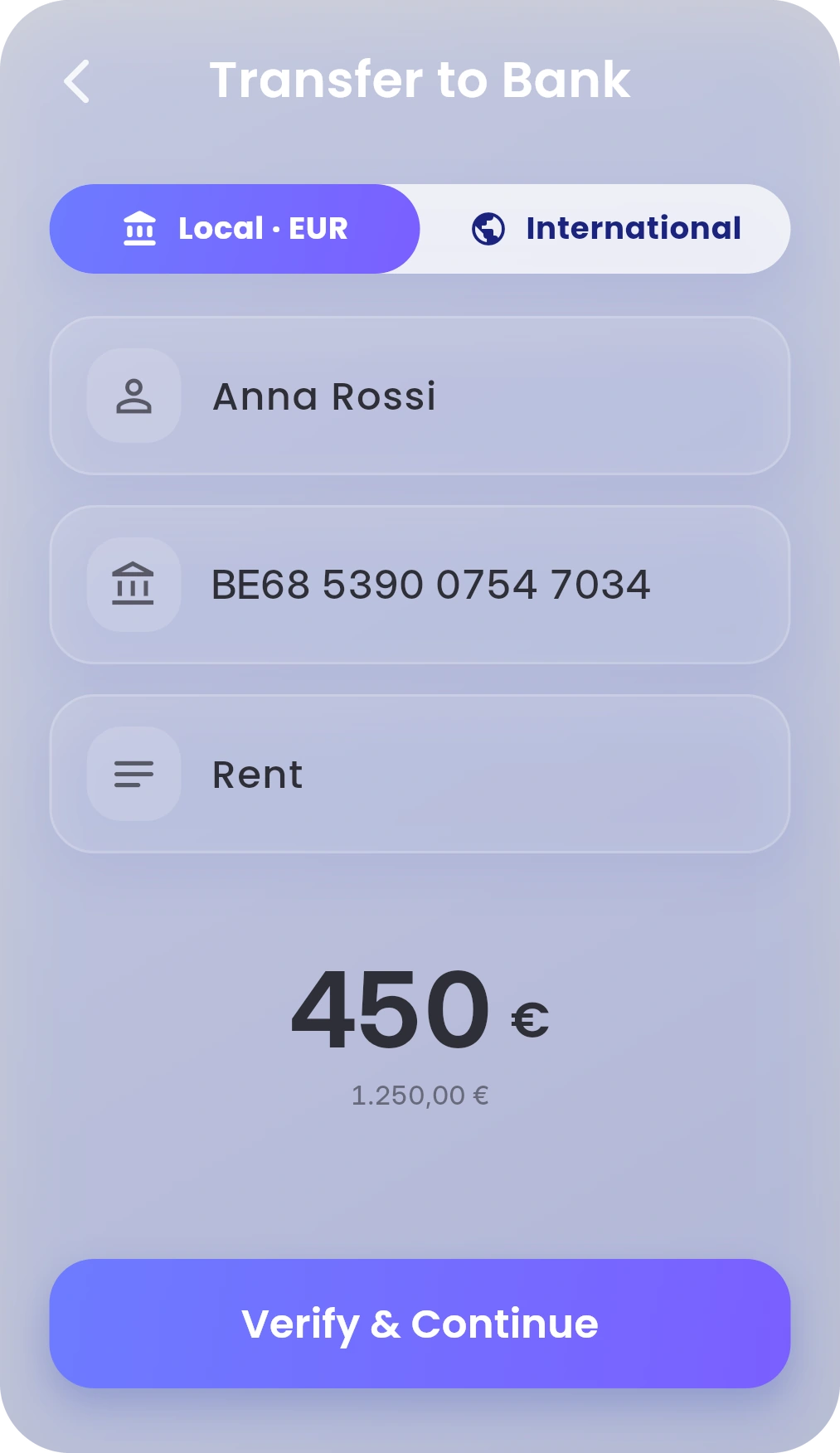
Euros by SEPA, available currencies by international transfer, or any of the 16 supported currencies to another Mon user.
SEPA transfer
Send euros across SEPA with an IBAN. Instant transfers arrive in seconds where available.
International transfer
Choose a currency you hold and send abroad via SWIFT.
Mon to Mon
Send with their Mon-ID or phone number.
Sweden uses Swedish kronor (SEK). You can hold SEK in Mon, subject to availability for your account, but holding it does not guarantee a bank route in that currency. SEPA sends euros; other bank payments depend on the available international route and the recipient bank.
SEK to EUR reference rateTap Transfer on Dashboard, then To Bank.
Use Local · EUR for SEPA. For another currency or a bank outside SEPA, check the International options available in Mon. Add the recipient and amount.
Review the recipient, route, fee and total. Then confirm.
A confirmed transfer can’t be cancelled in the app. Bank transfer guide · Mon transfer guide
These options are for people with an active, eligible Mon account who are sending from Sweden. Living in or visiting a country does not by itself guarantee access to Mon. Available features and bank routes depend on your account, the destination and the recipient bank.
For a SEK bank transfer, check that an international route is enabled for your account and the recipient bank. SEPA transfers are always in euros. Between active, eligible Mon users, SEK is one of the 16 supported transfer currencies.
Pricing published at launch. Mon shows any fee and the total before you confirm. Other banks may take a fee on international transfers. Fees & Limits
Transfers to another active Mon account usually arrive in seconds in any of the 16 supported currencies. Standard SEPA transfers usually arrive the same business day; where Instant Transfer is available for the recipient bank, they usually arrive in seconds. International transfers usually arrive in 1–5 business days. Check the route and timing in Mon before confirming.
For another Mon user, use their Mon-ID or phone number. For SEPA, enter the recipient’s full name and IBAN. For international transfers, Mon may also ask for their bank’s SWIFT/BIC code and address. Bank transfer guide
 From GermanyEuro balances and SEPA
 From AustraliaAUD and EUR balances
 From DenmarkDKK and EUR balances
 From SpainEuro balances and SEPA
 From ItalyEuro balances and SEPA
 From FranceEuro balances and SEPA
 From the United StatesUSD and EUR balances
 From CanadaCAD and EUR balances
 From the NetherlandsEuro balances and SEPA
 From BelgiumEuro balances and SEPA
 From AustriaEuro balances and SEPA
 From IrelandEuro balances and SEPA
 From NorwayNOK and EUR balances
 From PortugalEuro balances and SEPA
 From GreeceEuro balances and SEPA
 From the Czech RepublicCZK and EUR balances
 From PolandPLN and EUR balances
 From CroatiaEuro balances and SEPA
 From HungaryHUF and EUR balances
 From RomaniaRON and EUR balances
 From BulgariaEuro balances and SEPA
 From SerbiaEUR and supported balances
 From AlbaniaEUR and supported balances
 From North MacedoniaEUR and supported balances
 From MoldovaEUR and supported balances