




Cards and payments will be available at launch. Coming soon.

Open account Your phone. Your ID. Your IBAN.

Sign up in the app, verify your identity and get your own IBAN.

Reserve your Mon-ID
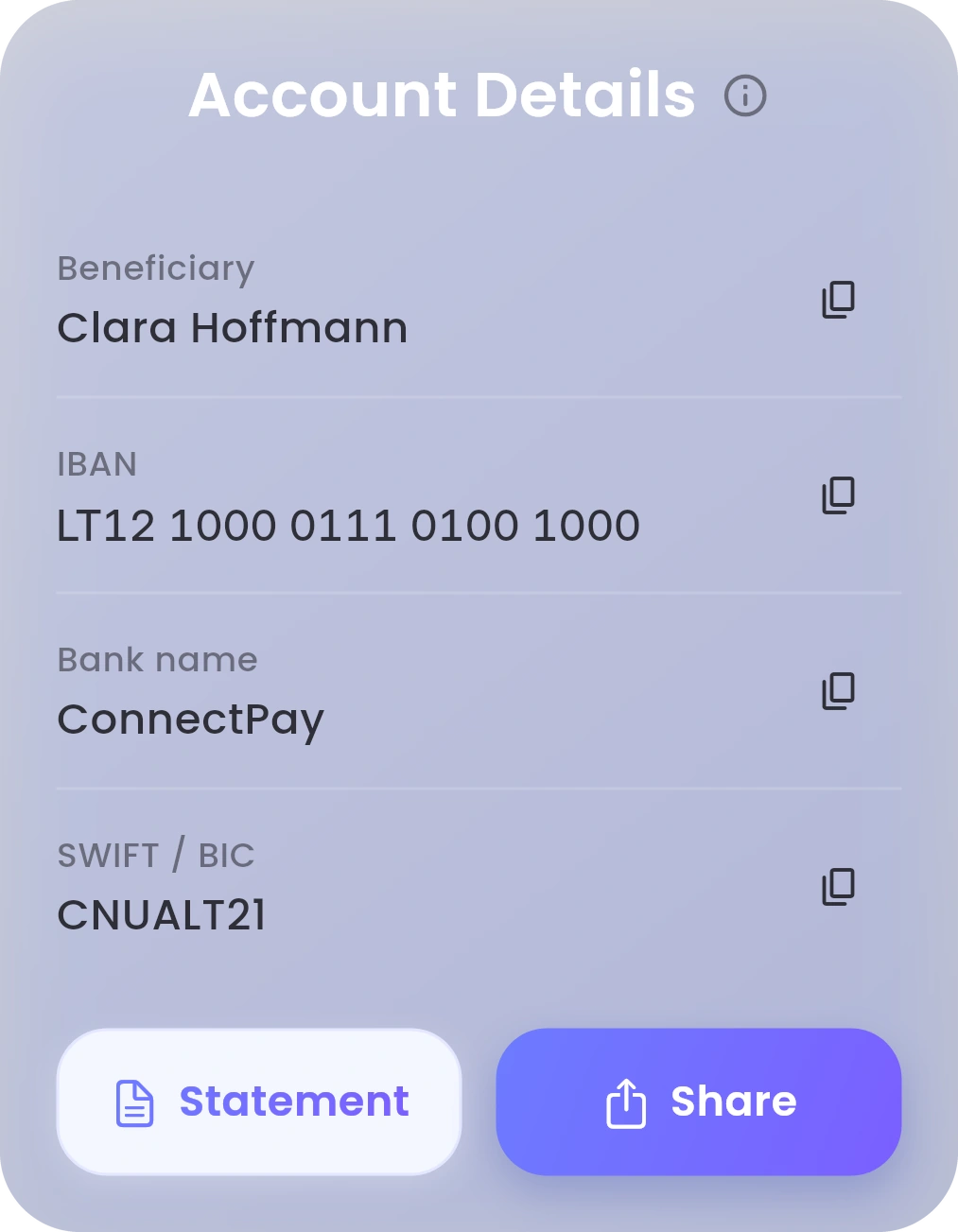
Account Details in the Mon app: the beneficiary, IBAN, bank name and SWIFT code, with Statement and Share buttons.
Example. Your account details, ready to copy or share.

Sign up. Verify. Start.

  1. The phone number field in the Mon app: the country code, then the number. The Sign up button in the Mon app.

    Sign up

    Enter your phone number and email, then choose a 6-digit PIN.

  2. The country field in the Mon app, set to Germany.

    Verify

    Choose where you live, answer a few questions, then scan your ID and take a selfie.

  3. An example IBAN with a copy button, as shown in the Mon app.

    Start

    Mon tells you when your account is ready. For your IBAN, tap the bank icon on Dashboard.

Checks can take a while. You can close Mon and come back later. It picks up where you left off. Step by step

What you need.

You must be 18 or over and live in a supported European Economic Area country.

  • To sign upPhone number and email
  • To verifyYour ID and a selfie
  • To log inA 6-digit PIN you choose

Mon verifies identities with its partner Ondato. How your data is used

Then just ask.

Hold Mon-AI and say it. Or double-tap to type.

“Add money.”

Mon opens it with everything filled in. You check it and confirm.

Mon-AI never moves money on its own. It’s included with Infinity, and for your first 30 days on Standard. About Mon-AI

Reserve your Mon-ID

Explore more.