


Before you send.
Send in a currency you hold in Mon. For euros within SEPA, see SEPA transfer.
- Arrives inUsually 1–5 business days
- Other banksMay take a fee
- CurrencyOne you hold in Mon
Any Mon fee is shown before you confirm. Fees & Limits
Cards and payments will be available at launch. Coming soon.

Send money internationally by SWIFT, in the currencies available to your account.
Reserve your Mon-ID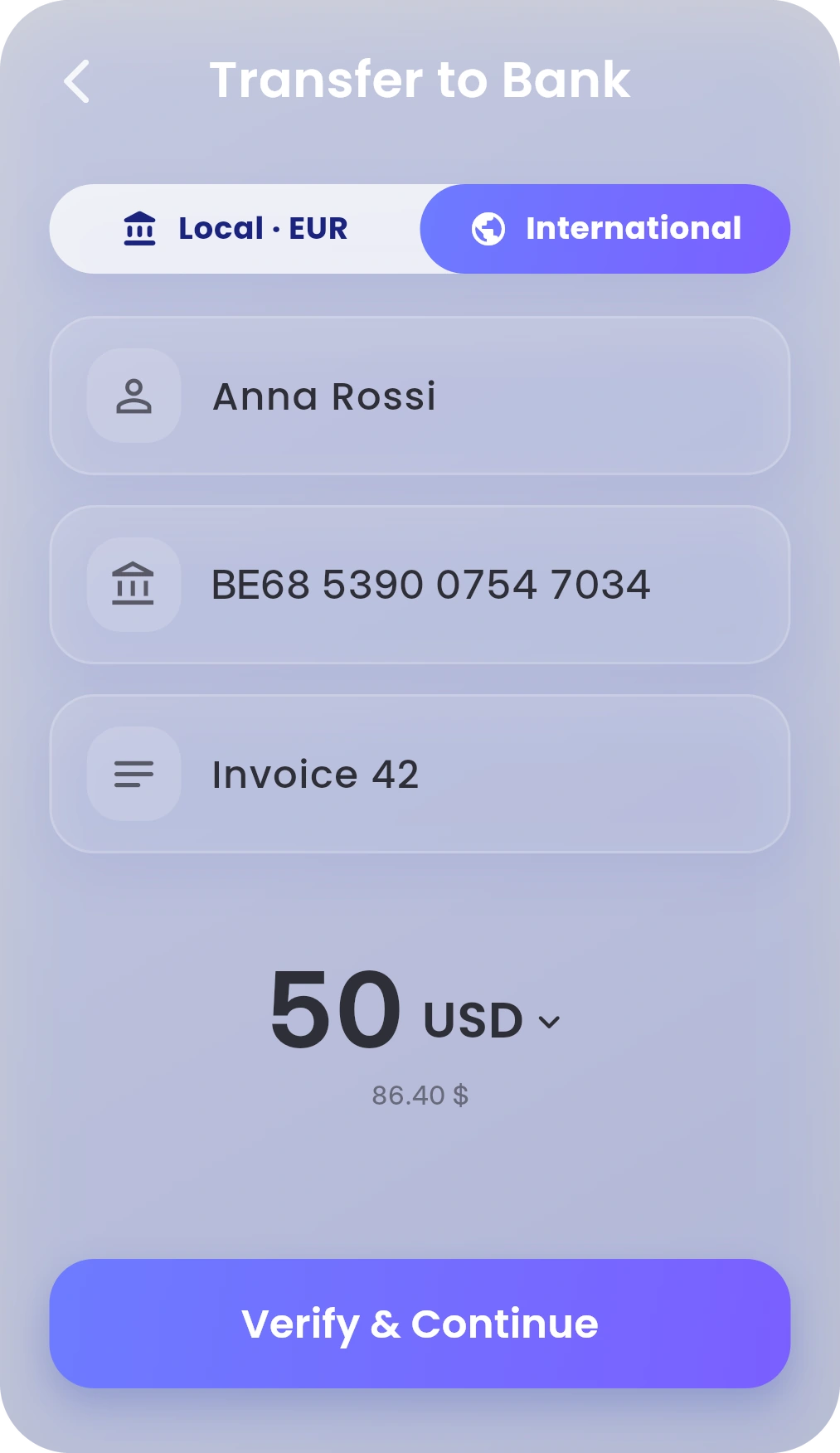
Choose a currency you hold in Mon and send it to a bank abroad.
Not every currency reaches every bank. Mon tells you before you confirm.

In To Bank, tap International.

Add the name, IBAN and amount. To send another currency, tap the currency.

Tap Verify & Continue and add any requested bank or recipient address details. Review the fee and total, then confirm.
To start, tap Transfer on Dashboard, then To Bank. Step by step
Send in a currency you hold in Mon. For euros within SEPA, see SEPA transfer.
Any Mon fee is shown before you confirm. Fees & Limits
Hold Mon-AI and say it. Or double-tap to type.
“Send Marco €100.”
Mon-AI finds bank recipients you’ve paid before. Mon opens the transfer with their details filled in. You check it and confirm.
Mon-AI never moves money on its own. It’s included with Infinity, and for your first 30 days on Standard. About Mon-AI